The best label makers range from pocket-size printers for pantry and school tags to desktop models built for shipping labels and business workflows. Choose by the labels you need to print, how you want to connect, and whether portability or wider media support matters more.
Quick Top Products
Phomemo D30 Bluetooth Label Maker
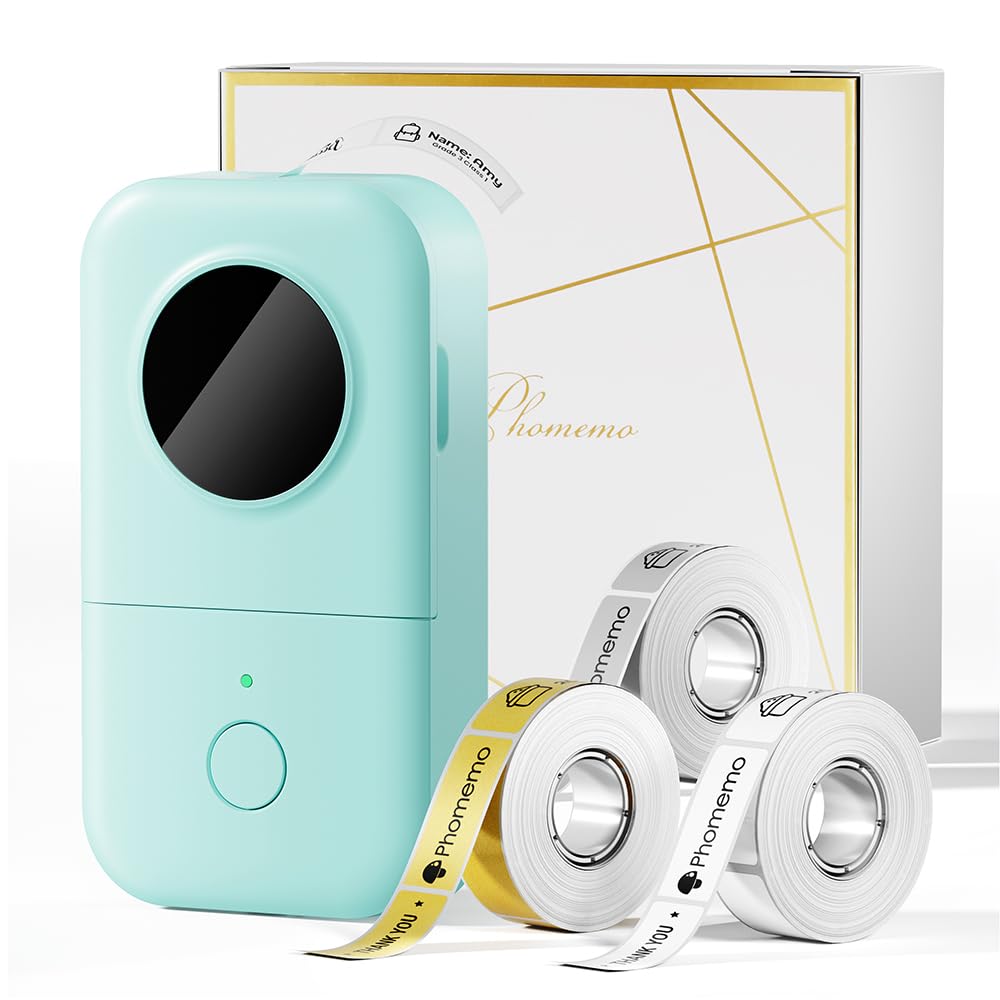
- Includes white, gold, and clear tapes to start labeling.
- Supports continuous and fixed-length label tapes.
- The app has templates, symbols, frames, and multiple design tools.
Best For: Home and school organizers who want a pocket-size printer with flexible label designs.

Nelko P21 Bluetooth Label Printer
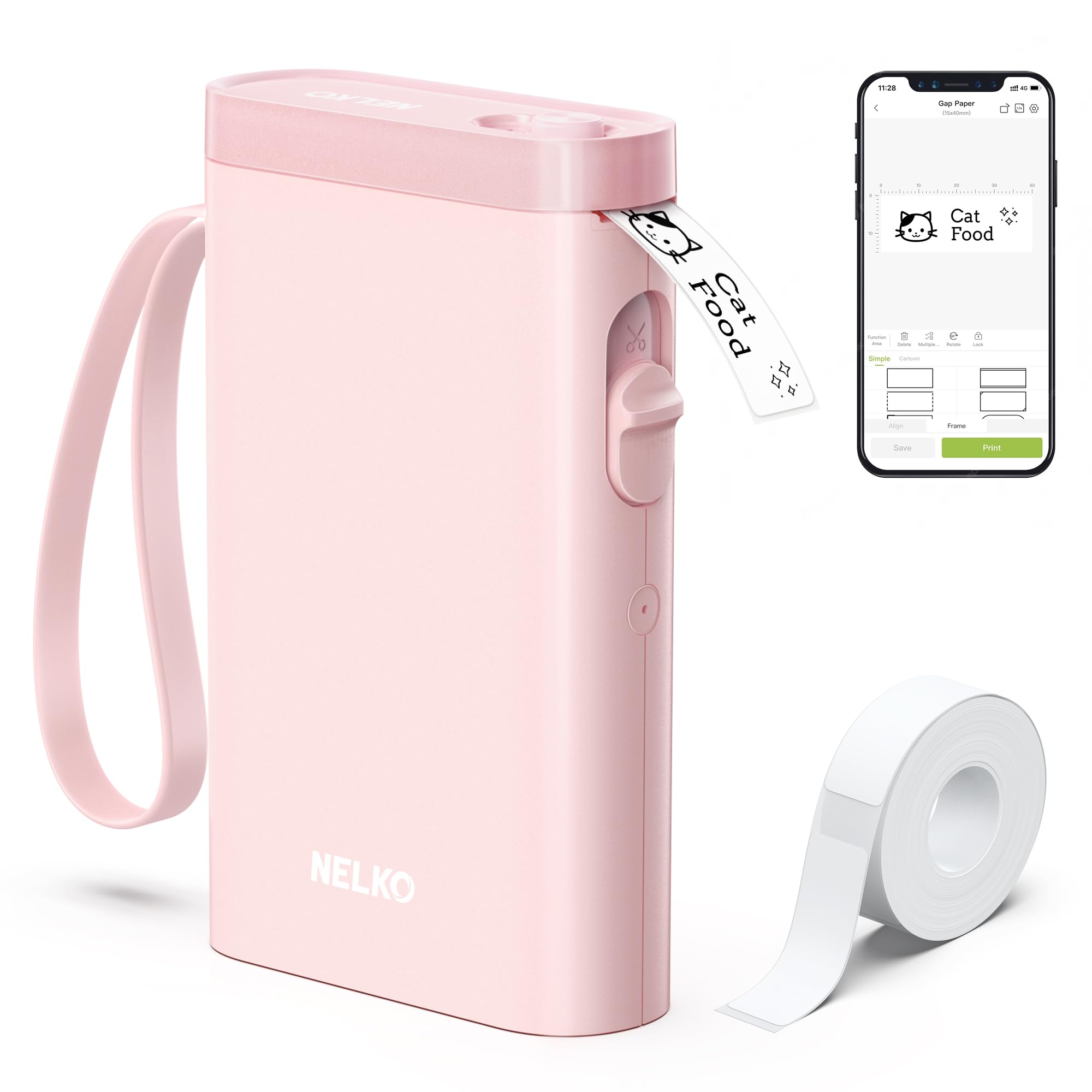
- Connects to iOS and Android phones through Bluetooth.
- The app includes templates, icons, and borders.
- Uses fixed label lengths and does not support continuous tape.
Best For: Phone users making short, fixed-size labels for home, school, or office organization.
NIIMBOT D101 Label Maker
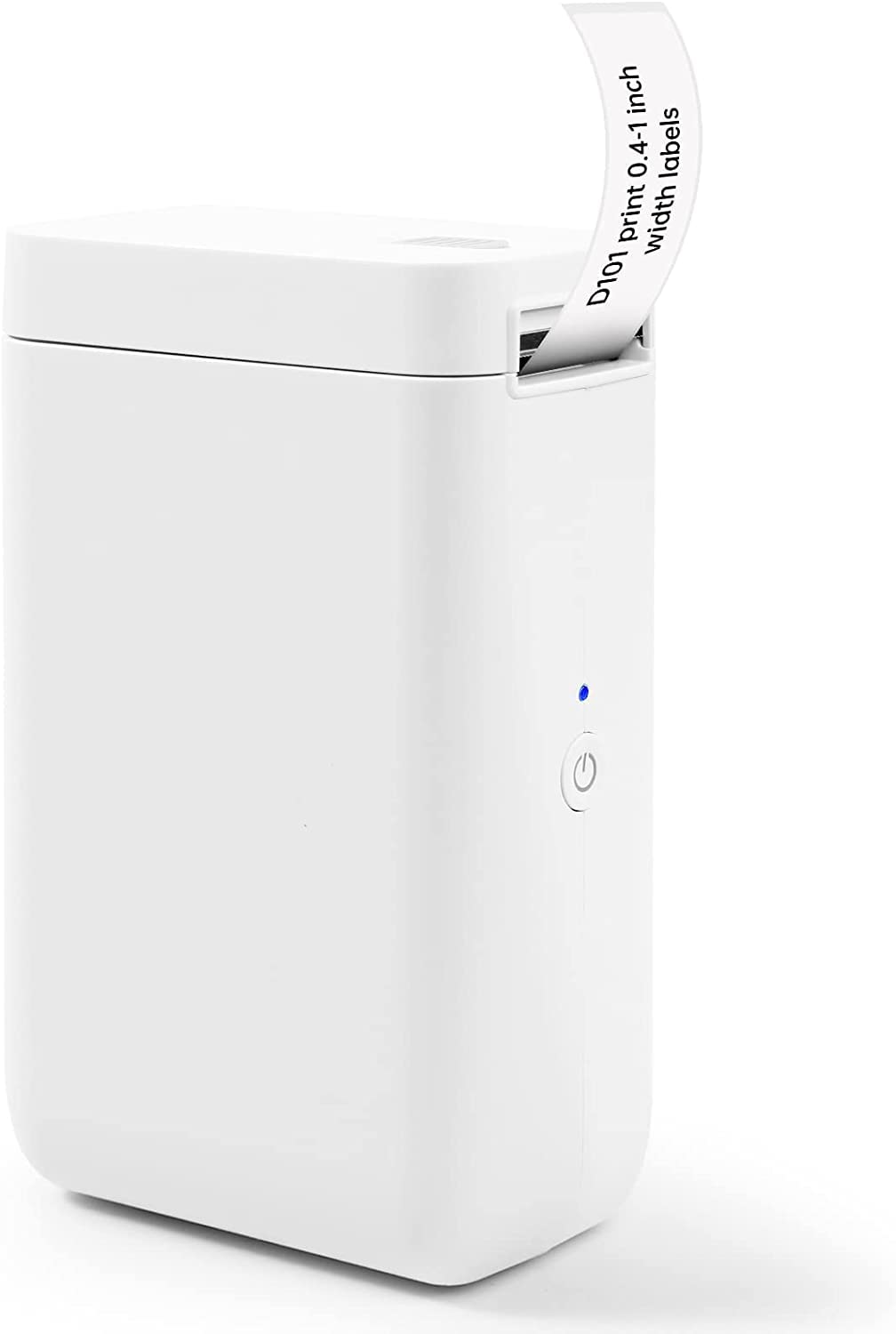
- Supports both 0.5-inch and 1-inch tape widths.
- Prints text, graphics, barcodes, and QR codes.
- Rechargeable battery is described as lasting up to two months per charge.
Best For: Organizers who want a rechargeable phone-connected printer that supports two tape widths.
Phomemo P12 Bluetooth Label Maker
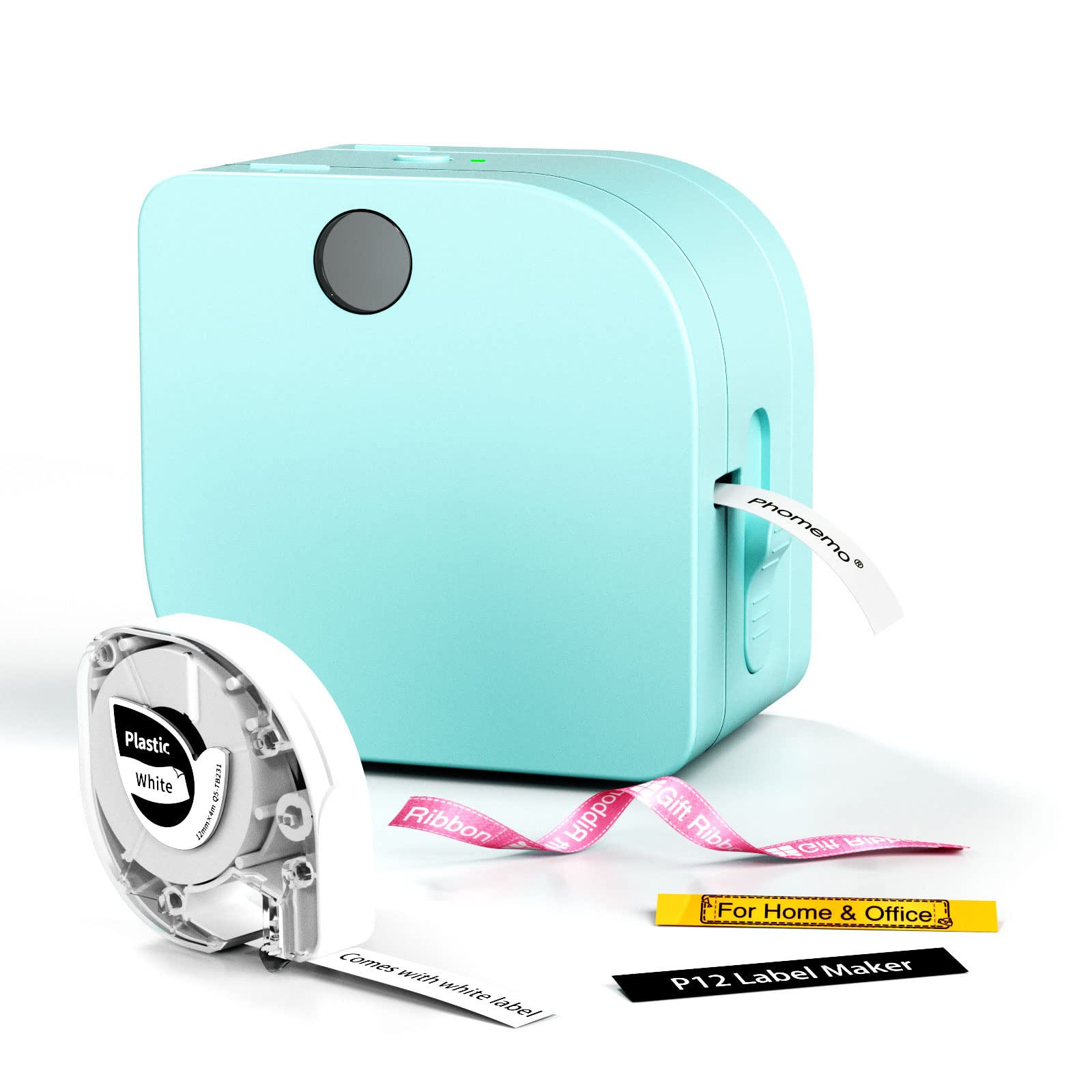
- Supports both thermal and thermal transfer labels.
- App functions include Excel import, scanning, OCR, and voice recognition.
- Can use USB-C power or six AAA batteries.
Best For: Crafters and organizers who need transfer labels for clothing, bathrooms, or other demanding settings.
Memoqueen M110 Label Maker
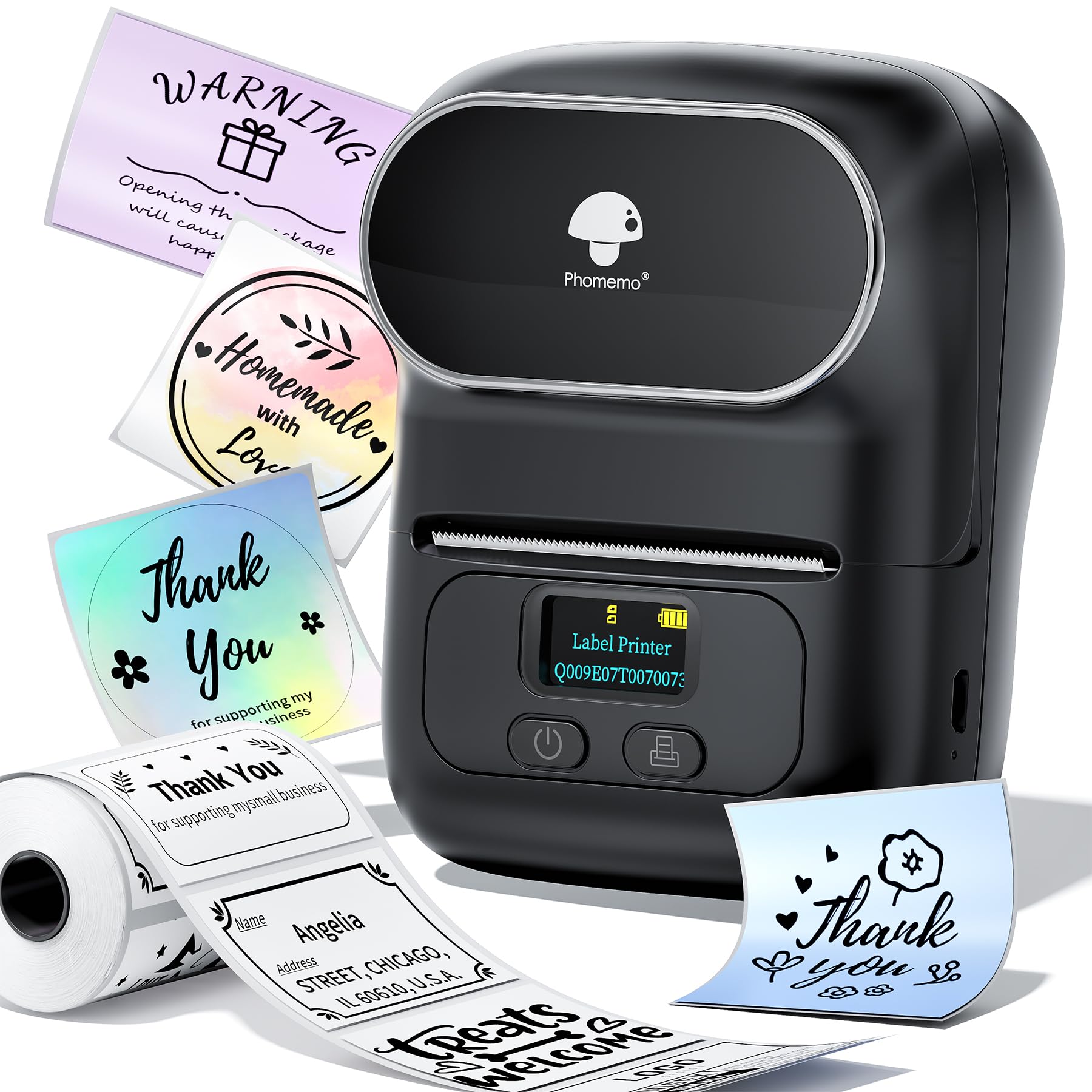
- Supports label widths from 20mm to 50mm and includes a 40 by 30mm roll.
- The app supports Excel batch printing.
- Not intended for shipping labels.
Best For: Small sellers who want a portable phone printer with Excel batch printing for product and price tags.
Phomemo M221 Label Maker
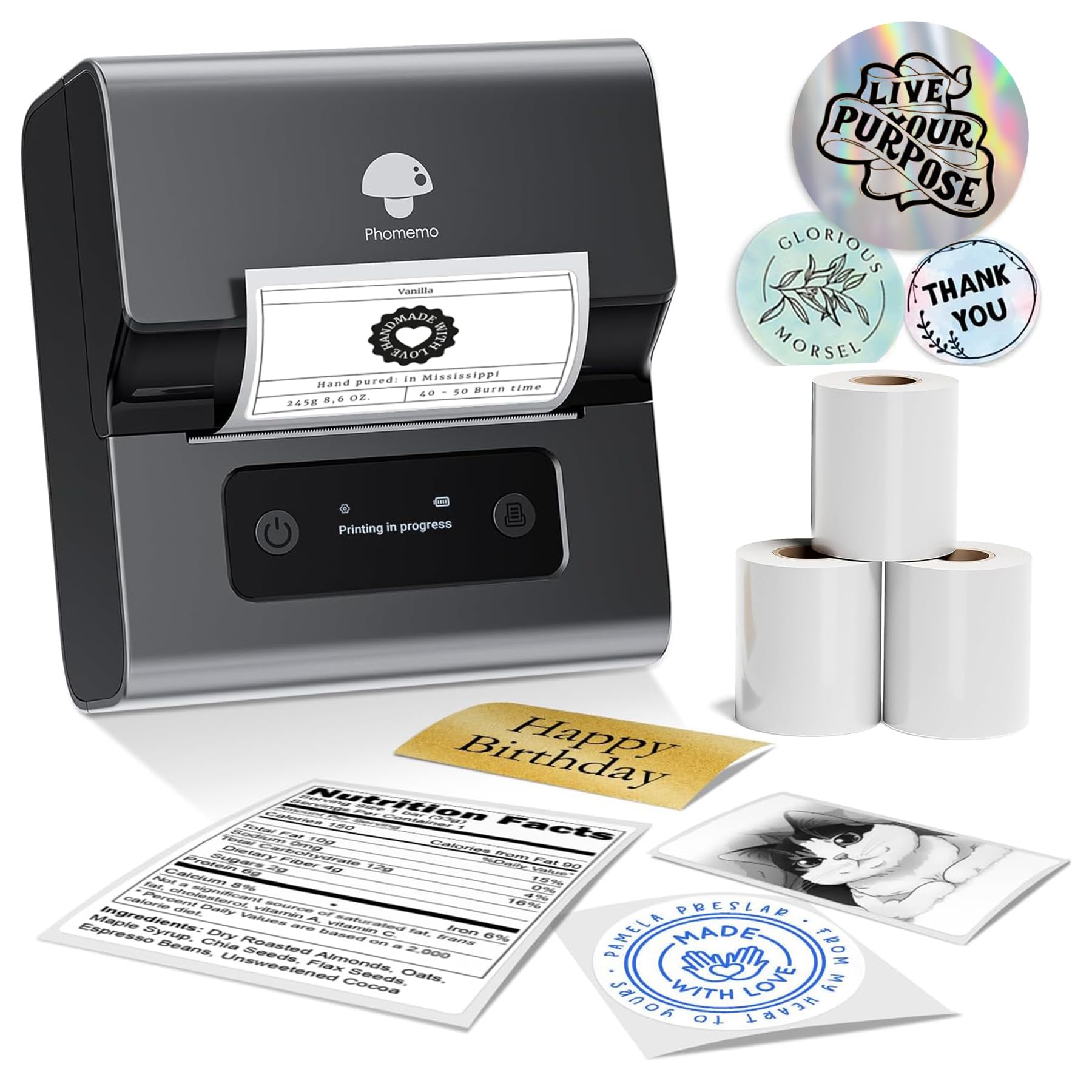
- Supports label widths from 0.78 to 3.14 inches.
- Connects to phones, tablets, or PCs by Bluetooth.
- Roll loading uses side clips without tools.
Best For: Home or small-business users who want a wider format for product, address, or organization labels.
Nelko PM220 Bluetooth Label Maker
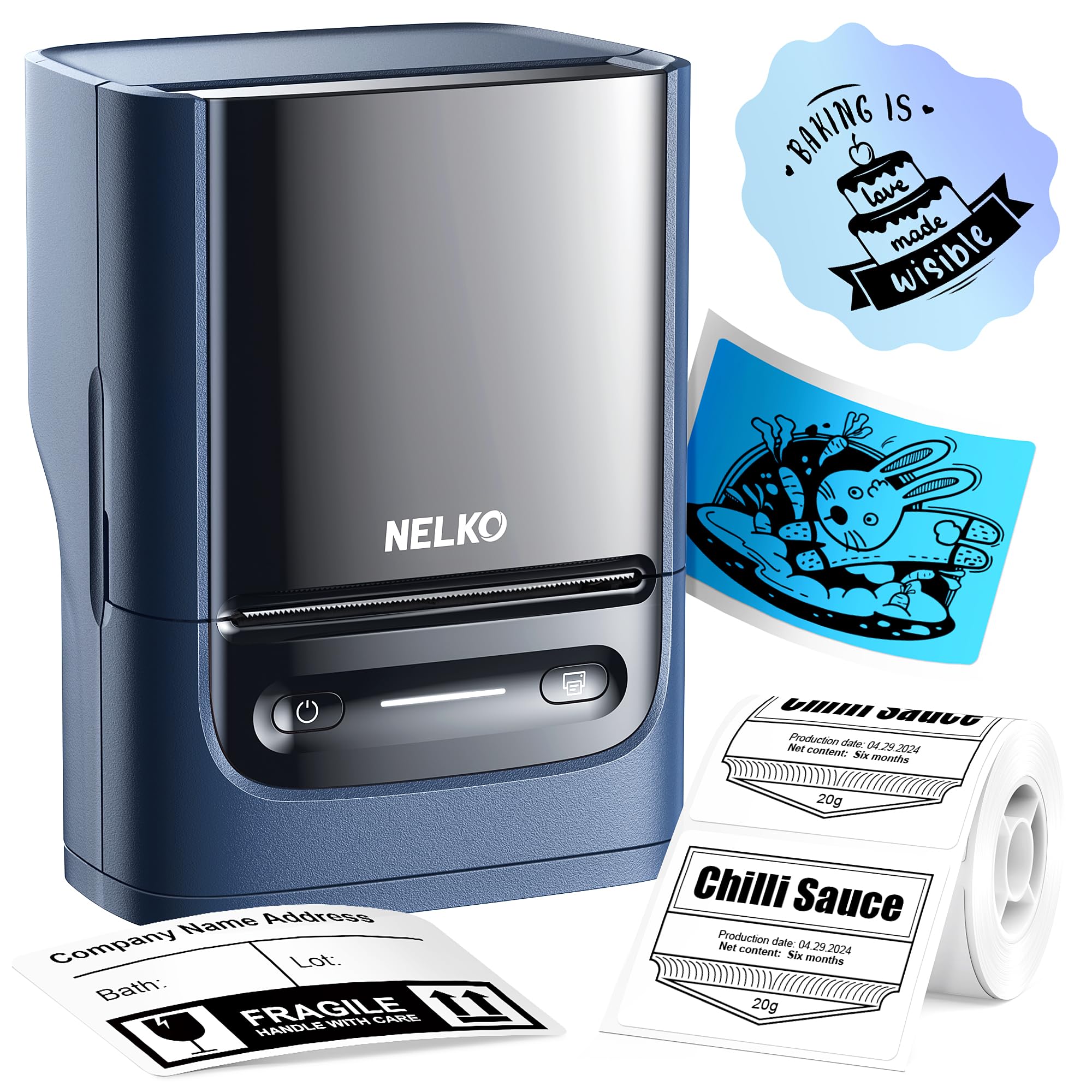
- Supports labels from 23mm to 54mm wide.
- Prints from phones or a PC with the required app and driver.
- Includes one label tape in the paper bin.
Best For: Users who want a compact 2-inch-class label maker that can print from phones or a PC.
NIIMBOT D110 Label Maker
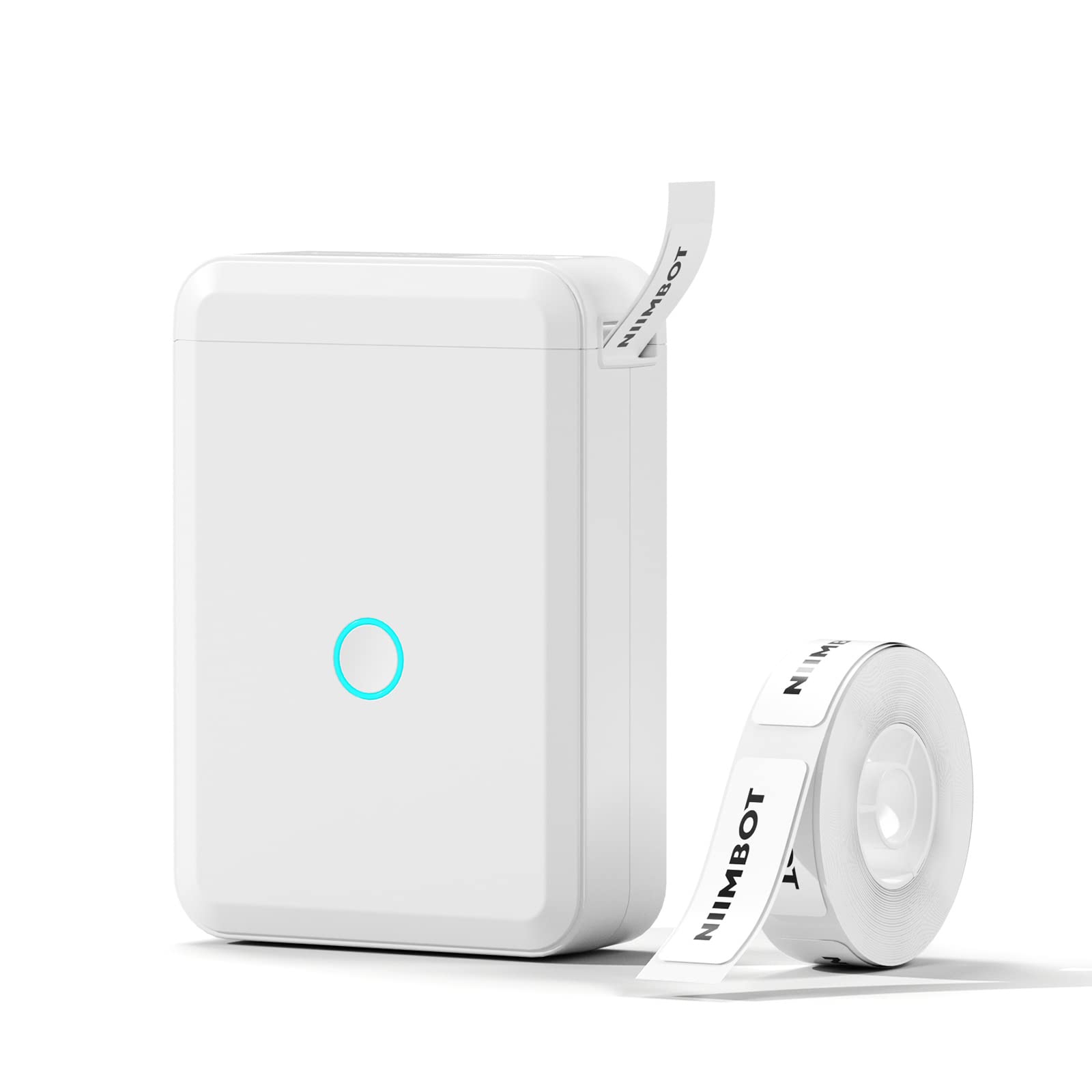
- RFID technology automatically recognizes the loaded label.
- The app supports symbols, frames, barcodes, QR codes, and Excel imports.
- Rechargeable and designed for portable use.
Best For: Phone users who want a rechargeable printer that recognizes compatible labels automatically.
Phomemo M250 3-Inch Label Maker
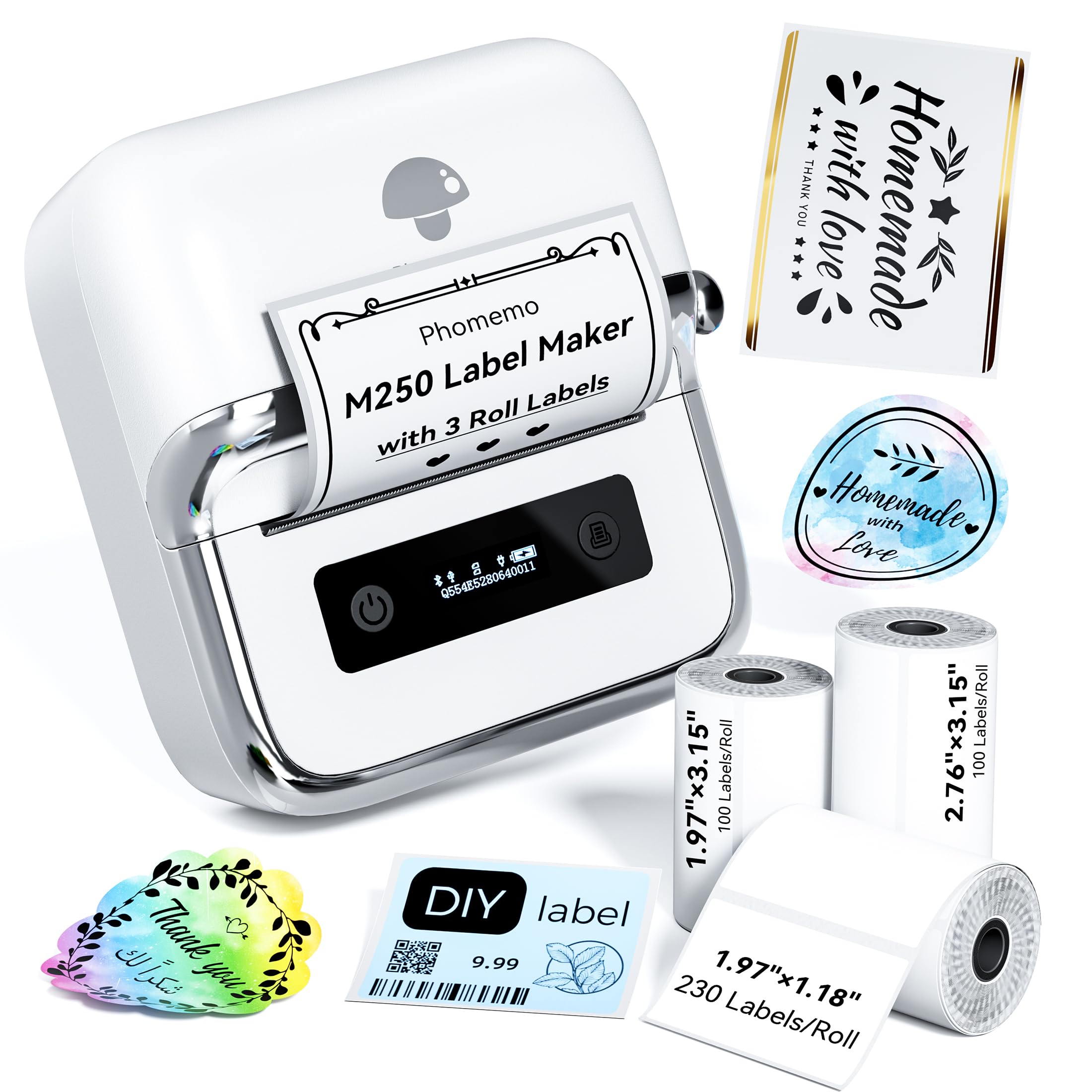
- Includes three rolls in different label sizes.
- Supports labels 20mm to 75mm wide.
- App supports batch printing and voice input.
Best For: Users who need wider labels and a portable printer for repeated home, school, or small-business jobs.
Phomemo M120 Label Maker
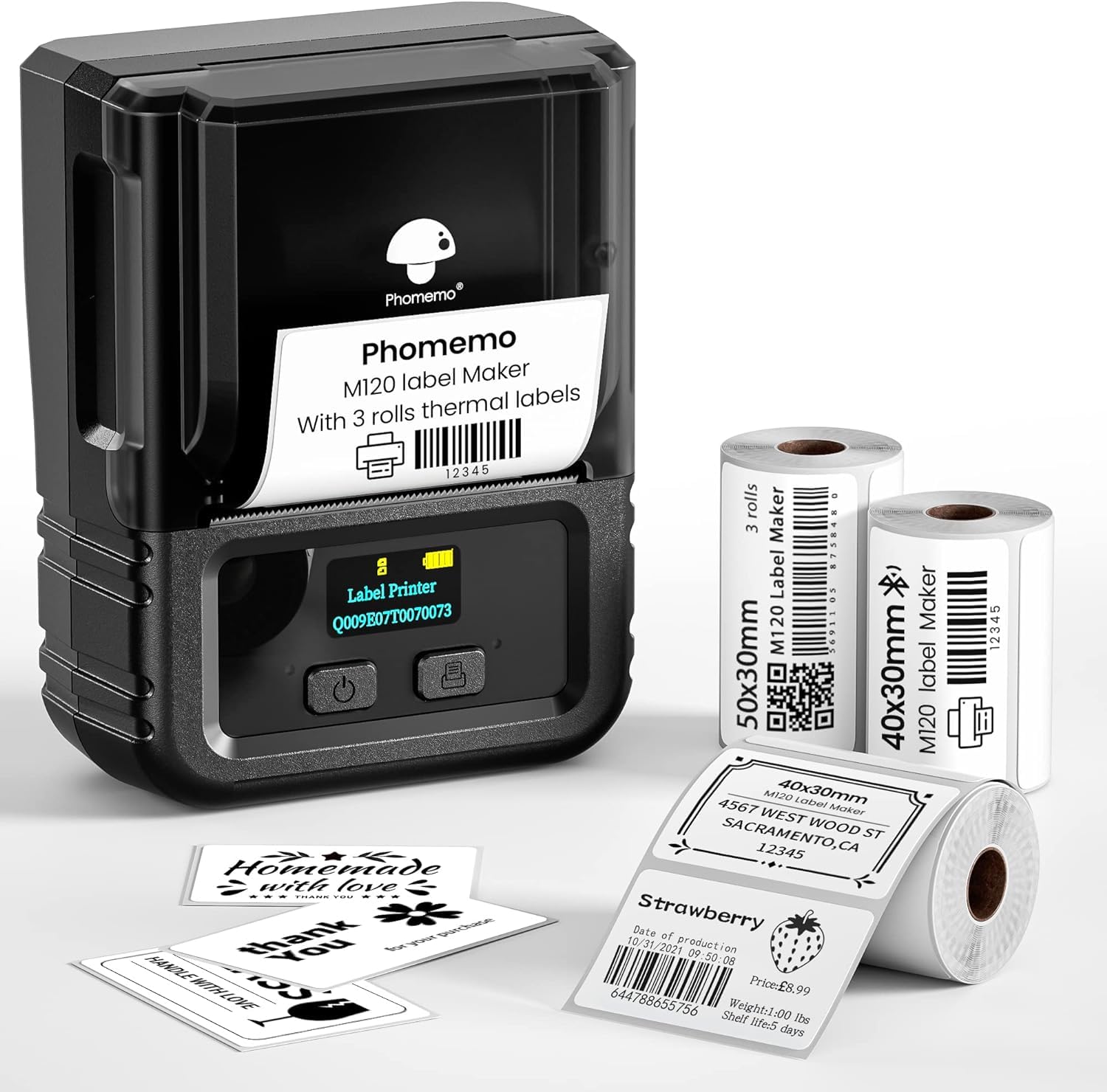
- Includes three rolls in 40 by 30mm and 50 by 30mm sizes.
- Weighs 200g and supports labels from 20mm to 50mm.
- The app supports OCR and barcode printing.
Best For: Small businesses or home organizers who want a portable 2-inch printer with bundled labels and OCR.
Portable Templates and Color Tape Options
Phomemo Label Maker Machine with Tapes - White/Clear/Gold Labels, D30 Portable Handheld Bluetooth Mini Label Makers, Multiple Templates Fonts Icon, Thermal Small Label Printer Rechargeable for Home
The Phomemo D30 is a compact Bluetooth label maker for organizing jars, school supplies, files, and small business tags. Its app supports templates, symbols, frames, barcodes, QR codes, and other design elements, while the rechargeable battery makes it easy to carry between work areas.
It prints black text only, so color comes from choosing patterned label tape rather than printing in color. The package includes three tapes in white, gold, and clear.
Continuous and fixed-length labels are supported, giving it more format flexibility than models limited to fixed-length tape.
Best For: Home and school organizers who want a pocket-size printer with flexible label designs.
| Pros | Cons |
|---|---|
|
|
Choose the D30 for everyday organization when you want a portable printer and variety in label design. The supplied tapes offer three starting looks, and continuous tape support can suit variable label lengths.
Its output remains black text, however, so it will not create full-color graphics by itself. Check tape availability and whether your preferred label format is compatible before buying.
Simple Fixed-Length Phone Labels
Nelko Label Maker Machine with Tape, P21 Bluetooth Label Printer, Wireless Mini Label Makers with Multiple Templates for Organizing Office Home, Pink
The Nelko P21 is a small Bluetooth printer that creates labels from an iOS or Android phone through the Nelko app. The app includes templates and a large collection of icons, borders, and materials, while label sizes are fixed rather than continuous.
It prints black text using direct thermal technology, and patterned tape can add color to the label background. A rechargeable battery is built in, but a charging adapter is not included.
The P21 does not connect to computers, and the notes flag incompatibility with Google phones running Android 14, so check your device before choosing it.
Best For: Phone users making short, fixed-size labels for home, school, or office organization.
| Pros | Cons |
|---|---|
|
|
The P21 fits buyers who mainly use a phone and want a compact label maker with ready-made designs. Fixed sizes simplify choosing a template, but limit label-length flexibility compared with continuous-tape models.
Its device compatibility also needs attention: it does not support computers and has a stated Android 14 exception for Google phones. Confirm your phone and preferred label size before purchasing.
Two Tape Widths in One Compact Printer
NIIMBOT Label Maker Machine D101 Label Printer Portable Wireless Connection Multiple Templates Available for Phone Easy to Use Office Home Organization USB Rechargeable
The NIIMBOT D101 is a Bluetooth label maker for home, kitchen, school, and office organization. A notable feature is support for both 0.5-inch and 1-inch label tapes, which gives it a choice of widths in one compact device.
The app can print text, symbols, logos, barcodes, and QR codes, and the printer uses direct thermal technology without ink or toner. It is rechargeable, with the notes giving up to two months per charge.
The records do not clarify exactly how usage affects that duration, so consider it a reference for infrequent use rather than a guaranteed interval.
Best For: Organizers who want a rechargeable phone-connected printer that supports two tape widths.
| Pros | Cons |
|---|---|
|
|
The D101 is a practical fit if your organizing tasks call for both narrow and wider tape, and you want a rechargeable device. Its support for barcode and QR code printing also broadens its use beyond simple name tags.
Battery duration depends on how much you print, a detail not quantified here. Check that the available tape formats match the labels you plan to make.
Durable Transfer Labels and USB Power
Phomemo Label Maker Machine with Tape, P12 Bluetooth Small Label Maker with Multiple Templates Thermal Transfer Ribbon Printer Machine for Home, School, Teacher, Classroom
The Phomemo P12 stands out among compact label makers because it supports both thermal paper labels and thermal transfer labels. Transfer labels are intended for tasks such as clothing, bathroom, dishwasher, and outdoor labeling, while standard thermal labels cover routine kitchen and home organization.
Its app supports templates, fonts, symbols, Excel batch printing, and voice recognition. The printer has a built-in cutter and can run from the included USB-C cable connected to an outlet or from six AAA batteries, which are not included.
It is a flexible choice, though the two power routes have different portability tradeoffs.
Best For: Crafters and organizers who need transfer labels for clothing, bathrooms, or other demanding settings.
| Pros | Cons |
|---|---|
|
|
Choose the P12 when label material matters as much as the printer itself. The thermal transfer option makes it relevant to clothing and other settings where ordinary thermal labels may not be the intended fit.
USB-C power suits a fixed work area, while battery operation supports portability but requires separate AAA cells. Check which label stock fits each use before buying.
Batch Printing for Small Product Labels
Memoqueen M110 Label Maker - M110 Barcode Label Printer Portable Bluetooth Maker Machine with Tape for Name Labels, Small Business, Address, Logo, Clothing Price Tag, Mailing, with 40x30mm Label
The Memoqueen M110 is a compact Bluetooth label printer aimed at product tags, addresses, barcodes, clothing labels, and similar small-format tasks. It supports label widths from 20mm to 50mm and includes one 40 by 30mm thermal label roll.
The Print Master app supports custom templates and Excel batch printing, which can help when preparing multiple product labels. OCR can turn text in images into editable text.
This model is explicitly not for shipping labels, so it is suited to smaller tags rather than standard package postage workflows.
Best For: Small sellers who want a portable phone printer with Excel batch printing for product and price tags.
| Pros | Cons |
|---|---|
|
|
The M110 is a better fit for small item, price, and barcode labels than for mailing packages. Excel batch printing and OCR are useful when preparing repeated tags or transferring existing text into designs.
Its maximum width and included roll point to compact labels. If your main task is postage, select a shipping printer instead; also check that the M110's label tape options suit your tag dimensions.
Wide Labels With Tool-Free Roll Loading
Phomemo M221 Label Maker Machine with 3 Tapes, 3 Inch Bluetooth Thermal No Ink Label Maker for Address, Barcode, Small Business, Home for Phone/PC, Space Gray, with 430 Pieces Labels | Bluetooth Thermal No Ink Label Maker for Address, Barcode, Small Business, Home for Phone/PC, Space Gray, with 430 Labels
The Phomemo M221 supports labels from 0.78 to 3.14 inches wide, a broader format than pocket label makers that use narrow tape. It connects to smartphones, tablets, and PCs through Bluetooth, and its app handles custom label design.
Loading is tool-free: insert the roll and secure it with side clips. A built-in holder and positioning system are designed to keep labels centered, while the product notes describe high-speed consecutive printing.
The supplied record does not detail operating-system support for the PC connection, so verify device compatibility if desktop use is central.
Best For: Home or small-business users who want a wider format for product, address, or organization labels.
| Pros | Cons |
|---|---|
|
|
Consider the M221 when small tape formats feel restrictive and you need labels for products, addresses, or general organization. Its wider media range and integrated roll holder suit a fixed desk better than a pocket printer.
The Bluetooth connection is described for PCs as well as mobile devices, but the operating systems and any wired option are not detailed. Confirm compatibility and media availability for your workflow.
Phone and PC Labeling Up to 2.12 Inches Wide
Nelko Label Maker Machine with Tape, PM220 Bluetooth Label Printer, 2 Inch Portable Thermal Printer for Small Business, Address, Logo, Clothing, Sticker Printer for Phones & PC, Blue
The Nelko PM220 offers a compact label format with support for widths from 23mm to 54mm. It connects to iOS and Android through the Nelko app, and PC use requires a separate driver and app.
The label editor supports QR codes, barcodes, tables, text, icons, and other design elements. One roll is included in the paper bin.
The record says the charging adapter is not included and advises against fast charging adapters. Before buying, check whether the PC workflow and charging setup match your devices and routine.
Best For: Users who want a compact 2-inch-class label maker that can print from phones or a PC.
| Pros | Cons |
|---|---|
|
|
The PM220 fits users who want more than a phone-only label maker and need a small format for retail, crafts, or product identification. Its PC support adds flexibility, but requires installing dedicated software rather than connecting directly over Bluetooth.
A roll is included to get started. Confirm the driver works with your computer and plan for a suitable charging adapter.
Automatic Tape Recognition for Home Organization
NIIMBOT D110 Label Maker Machine with Label, Small Label Printer Bluetooth Connection Multiple Templates Available for Phone Easy to Use for Office Home Organization Rechargeable White
The NIIMBOT D110 is a small Bluetooth label maker for organizing home, office, school, and small business items. Its RFID technology recognizes the loaded label type, so users do not need to select a template manually.
The app includes design elements such as symbols, frames, text, barcodes, QR codes, and Excel import. It is rechargeable and prints monochrome black text using thermal technology.
The printer works with iOS and Android phones but not laptops or tablets, which makes it a focused mobile option. Confirm compatible label stock before purchasing.
Best For: Phone users who want a rechargeable printer that recognizes compatible labels automatically.
| Pros | Cons |
|---|---|
|
|
Pick the D110 if you mainly make organization labels from a smartphone and value automatic recognition of the loaded stock. The extensive app tools also support more than plain text, including codes and spreadsheet imports.
It is a poor fit for computer-led workflows because laptops and tablets are not supported, and it prints only black text. Check which compatible label papers match your intended uses.
Three-Roll Kit With Extended Battery Capacity
Phomemo M250 3 Inch Label Maker Machine with 3 Roll Labels | Bluetooth Thermal Label Printer, Upgrade Portable Barcode & Address Label Maker for Business, Home, School, Logo Label
The Phomemo M250 combines a 3-inch-class label maker with three rolls in different sizes. It supports labels from 20mm to 75mm wide and connects through Bluetooth or USB to a range of mobile and computer devices.
The Print Master app includes templates, fonts, symbols, QR codes, batch printing, and voice input. Its rechargeable 2200mAh battery is described as printing up to 5,000 labels per charge, while the printer weighs 390g.
That makes it more substantial than pocket tape makers, but its wider media support covers a broader set of label tasks.
Best For: Users who need wider labels and a portable printer for repeated home, school, or small-business jobs.
| Pros | Cons |
|---|---|
|
|
The M250 suits buyers who need wider formats and want several rolls included to begin working. Its mobile and computer compatibility, batch printing, and larger battery make it useful for repeated labeling across settings.
The tradeoff is portability: at 390g, it is less pocket-like than the smallest options. Check that the included roll sizes and the printer's supported widths fit your labels.
Three Included Rolls and OCR Tools
Phomemo M120 Label Maker, 2 Inch Bluetooth Thermal Label Printer with Label | (4030/4030/5030mm), Label Maker Machine for Small Business, Barcode, Address, Sticker Printer for Phone & PC
The Phomemo M120 includes three rolls of labels in two sizes and supports media from 20mm to 50mm wide. It is designed for portable use, with a weight of 200g and a rechargeable battery described as producing up to 3,000 labels per charge.
Its Print Master app offers templates, symbols, fonts, voice and image recognition, and barcode printing. Phones connect wirelessly through Bluetooth, while PCs connect by USB through Labelife software.
This combination gives it useful workflow flexibility, though buyers should check that the included roll sizes suit their day-to-day labels.
Best For: Small businesses or home organizers who want a portable 2-inch printer with bundled labels and OCR.
| Pros | Cons |
|---|---|
|
|
Choose the M120 if you want a portable printer with bundled rolls and the option to work from either a phone or a PC. OCR, barcode tools, and a large template library can speed up varied small-label tasks.
Its supported width range is suited to compact labels rather than full-size shipping labels. Confirm the PC software supports your operating system and that the included roll sizes align with your work.
How to Choose Label Makers
How We Picked Best Label Makers
We prioritized products built for the range of tasks people mean by label making: pantry and school tags, small-business product labels, craft labels, and shipping labels. The selected models cover compact Bluetooth printers, wider media formats, phone and computer workflows, and features such as batch printing or automatic label recognition.
Shipping printers were excluded because their main purpose is producing package labels in desktop workflows. Duplicate model offers and color variants were also left out so the guide represents distinct models and uses.
The result includes portable options for everyday organization alongside printers suited to larger or more varied labels.
Comparing Label Makers by Format and Connection
Start with the label dimensions and material you need. Pocket models such as the D30, P21, and D110 focus on compact tags; the M221 and M250 support wider labels for product information, addresses, or other larger designs.
The P12 adds thermal transfer labels for uses such as clothing and dishwasher labels, while the M120 and M250 include multiple label rolls to get started.
Phone connectivity varies too. The P21 and D110 are phone-focused, while the PM220 adds PC support through a driver and dedicated app.
The M120 offers Bluetooth from phones and USB from PCs. Check the exact operating system and whether your chosen device needs Bluetooth, USB, or a dedicated app before ordering.
The comparison table below summarizes the differences across the included models.
| Product | Standout features | Best for |
|---|---|---|
| Phomemo D30 Bluetooth Label MakerCheck Price |
| Home and school organizers who want a pocket-size printer with flexible label designs. |
| Nelko P21 Bluetooth Label PrinterCheck Price |
| Phone users making short, fixed-size labels for home, school, or office organization. |
| NIIMBOT D101 Label MakerCheck Price |
| Organizers who want a rechargeable phone-connected printer that supports two tape widths. |
| Phomemo P12 Bluetooth Label MakerCheck Price |
| Crafters and organizers who need transfer labels for clothing, bathrooms, or other demanding settings. |
| Memoqueen M110 Label MakerCheck Price |
| Small sellers who want a portable phone printer with Excel batch printing for product and price tags. |
| Phomemo M221 Label MakerCheck Price |
| Home or small-business users who want a wider format for product, address, or organization labels. |
| Nelko PM220 Bluetooth Label MakerCheck Price |
| Users who want a compact 2-inch-class label maker that can print from phones or a PC. |
| NIIMBOT D110 Label MakerCheck Price |
| Phone users who want a rechargeable printer that recognizes compatible labels automatically. |
| Phomemo M250 3-Inch Label MakerCheck Price |
| Users who need wider labels and a portable printer for repeated home, school, or small-business jobs. |
| Phomemo M120 Label MakerCheck Price |
| Small businesses or home organizers who want a portable 2-inch printer with bundled labels and OCR. |
Choosing Tape, Label Stock, and Printing Style
Most compact models here use direct thermal printing and create black text. Color-patterned tape changes the label background, but it does not make the printer a full-color device.
This matters when planning logos, school labels, or retail tags that depend on color. Check which tapes the model accepts and whether the style you want comes in that format.
The P12 has the clearest material distinction: it supports both thermal and thermal transfer labels. That option is useful for clothing and other settings called out in its notes.
Other models vary in width and length flexibility. The D30 supports continuous and fixed-length tape, while the P21 uses fixed label lengths; choose a format that fits your actual tags.
Which Label Maker Fits Your Workflow?
For occasional kitchen, school, and office organization, a rechargeable phone-connected model such as the NIIMBOT D110 or Phomemo D30 keeps the setup compact. The D30 includes three tape colors and supports continuous labels; the D110 automatically recognizes compatible stock.
If you use a Google phone with Android 14, note the P21 compatibility restriction before considering it.
For small business product labels, compare the wider M221 and M250 with the M110 and M120. The M221 supports wider media and tool-free roll loading, while the M250 includes three rolls and batch-printing tools.
The M110 is a compact choice for barcode and price tags but is explicitly not for shipping labels. The M120 combines bundled rolls with phone and PC connections.
Choose the P12 when transfer labels suit your task, or the PM220 when PC support matters in a compact 2-inch-class printer. Before deciding, confirm media availability, device compatibility, charging requirements, and whether the included roll sizes match the labels you want to produce.